KeepEatClean · Food diary for iPhone
A meal log
you can correct.
A photo is a starting point. Check the food, adjust the portion, and keep a record that reflects what you actually ate.
Free tier · Optional Pro · Nutrition values are estimates
An everyday logging routine
From a meal
to a useful record.
- 01
Choose how to log
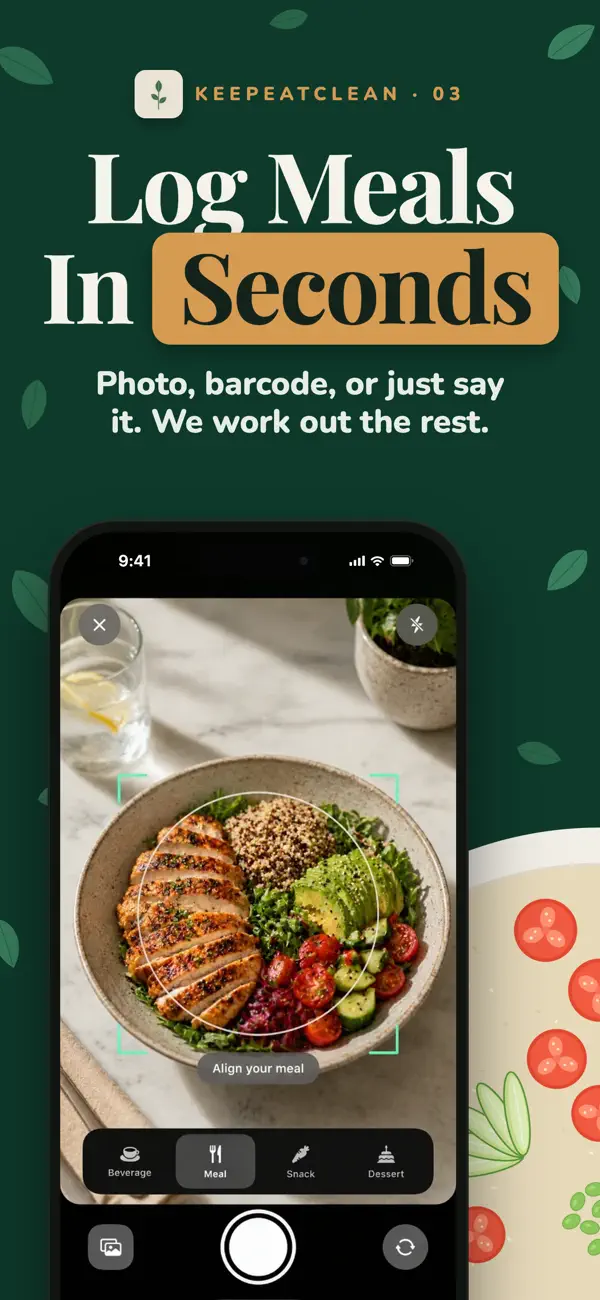
Photograph a meal, scan a packaged-food barcode, or search for a food. Use the method that fits what is in front of you.
- 02
Check food and portions
Review the estimate. A photo may miss oil, sauce or a second serving; a barcode still needs the amount you ate. Correct those details rather than treating a suggested number as exact.
- 03
Keep the meal time
Save the time you ate, especially when adding a meal later. The record of when you ate can be useful alongside the record of what you ate.
- 04
Review your history
Look back for missing meals and corrections. You do not need a perfect diary to start; clear records and honest gaps are more useful than invented precision.
More than a single day's total
Your food diary.
Your wearable context.
KeepEatClean brings editable meal logs beside sleep, HRV and recovery readings from available sources. Apple Watch readings arrive through Apple Health; WHOOP connects separately.
Food × Body explores associations after at least 12 usable paired days and further evidence checks. Twelve days do not guarantee a finding. It may keep learning or find no clear pattern, and an association does not prove cause and effect.
How the two histories come together ↗Start with a manageable habit
Make the record
easy to return to.
Start with the meals you normally eat. Check one estimate at a time and add a missing meal when you remember it. This is a record of your own routine, not a requirement to change your diet.
Prefer paper or a spreadsheet? Download the free printable meal-log PDF or spreadsheet CSV, with no signup. The template guide explains both formats.
Want to build a food-and-sleep history over several weeks? Use the 21-day guide and printable checklist.
For help checking estimates, read how to review a photo food log.
Meal-log questions
What is a meal log?
A meal log is a record of what you ate and when. It can include portions and nutrition estimates, but its first job is to help you look back at an ordinary day without relying on memory.
Can I correct a photo estimate?
Yes. KeepEatClean supports editable meals and portions. Review the recognized foods and amounts before saving, and reopen a meal when you notice a detail that needs correcting. A photo estimate is not a precise measurement.
Do I need a wearable to start logging meals?
You can begin a meal history on iPhone. Exploring food-and-body associations also needs usable readings from Apple Health or the separate WHOOP connection. Missing wearable data is a gap, not a finding.
Is there a free meal log?
KeepEatClean has a public free tier and optional paid Pro. Check the current feature and subscription details in the app. The printable PDF and spreadsheet CSV templates linked below are also free and need no signup. Print the PDF directly or open the CSV in Excel, Numbers or Google Sheets. The CSV is not an app-import file.
Can I log food on Apple Watch?
Version 1.22 includes a companion Apple Watch app for usual meals, water, meal times and reviewed spoken estimates. The connected iPhone is required for setup and meal estimation.
KeepEatClean supports general wellness. It does not diagnose conditions, prescribe a diet or promise a health outcome.